
Building apps
Building without code
With the optional build agent, anybody describes an app in a sentence on /build - or names a website to start from - and an agent on the server builds it, and later changes it or answers questions about it, on the model and effort they choose.
Where the operator has set up the build agent, nobody needs a coding agent of their own. People describe the app they want, and an agent running on the server writes it, puts it online and hands back the links. Setting it up is described in Setting up the build agent.
The workspace on /build#
/build - Create an app in the menu - looks like a chat:
- The first message builds an app. The agent picks an address, writes the app, checks it and puts it online; the conversation shows each step and how long it has taken.
- Every message after that is about that app: a change, a question (how many people visited this week?, what did people enter?), or a setting (switch on visitor statistics).
- The apps are listed beside the conversation, kept in this browser by their editor keys. Add an app adds one built elsewhere, from its editor link. Removing an app from the list only forgets it in this browser.
- What waits for you is shown above the conversation: an app that went offline, a key its code needs, a draft to try.
The list lives in the browser’s storage. Keep the editor links somewhere else as well: clearing the browser loses the list, and the platform cannot recover a link.
On an installation its operator says is an organization’s (see Settings), the ideas under the box are apps for work - a form to request time off, a booking calendar for meeting rooms.
The Change section of the editor#
The editor of every app has a Change section where its owner asks the same agent for something:
- A change is made in a draft: the agent changes only what was asked, tries it at the draft’s preview, then puts it online - or, with the switch off, leaves the draft for you to try and put online. The next request continues the draft the last one left open.
- A question is answered from the app’s records, logs and visitor statistics, without changing anything.
- A setting the tools can change - visitor statistics, a kind of data, an earlier version back online, publishing the source - is changed directly. What the build agent has no tool for - a domain, the showcase, switching data off, the value of a secret - it says to do in the editor.
The section shows what the agent does while it works, and can stop it; whatever it saved stays.
Starting from a website#
Name a site in your message - look at myoldhomepage.com and make a new version of it - and the agent reads its pages: their texts, how they are arranged, their links and where their pictures are. In the workspace, sites you named in earlier messages about the same app count too.
- Only the sites you name. It reads nothing else on the internet, and reading changes nothing on the site. The conversation shows each site it looks at.
- Pictures are not copied. The new app shows them from their address on your site, or the agent says which ones are missing. A page that is put together by scripts may show it little.
- A site that is not yours is taken as an example of what you like: the agent writes texts of its own, and declines a copy that could pass for somebody else’s site.
The site sees a request from the server, not from your browser. The operator can switch this off - see Reading web pages.
Model and effort#
Under the box - on /build, in the workspace and in the Change section - two lists choose what the agent runs on, where the operator offers a choice:
- Model - Opus 5.5, unless you pick another or the operator made another the default. Sonnet 5.5 and Haiku 5.5 are quicker and lighter. A model marked (password) - Fable 5.2, at first - needs the password the operator gave you, and with it works without the time limit, until it is done.
- Effort - how much the agent thinks and how many steps it takes, from Low to Maximum; High unless you pick another. More effort takes longer.
The browser remembers the model and the effort you chose last, never the password, and the Change section shows what each request ran on. What the agent writes keeps saying so: the editor marks its versions and drafts with the model and the effort they were written on - also a version you put online yourself from the agent’s draft (see Versions). Over the API, a build or a change names them as model and effort, and GET /api/v1/system lists what is offered (build.offer). Which models and efforts are offered is the operator’s to decide - see Models and effort.
What it does not do#
The build agent builds and changes apps, and answers questions about the app it was handed - nothing else. It declines requests that are not about an app, requests about the platform or the server itself, and requests meant to do harm - a copy of somebody else’s site among them - and says so in one sentence; it reads no website but the ones you name. A declined request still counts toward the daily allowance.
Limits#
- Each address may make 10 requests a day by default (builds and changes together), set by the operator under Limits.
- One change runs at a time per app, and the builds queue on the server.
- The operator can switch off building new apps, or asking about existing ones, under Build agent in the admin panel.
The simple view#
Apps built here open in the editor’s simple view: the app, how it is doing, and a box to ask for the next change - no code, files or logs. Anybody can switch to the full view at the foot of the sidebar. See The editor.
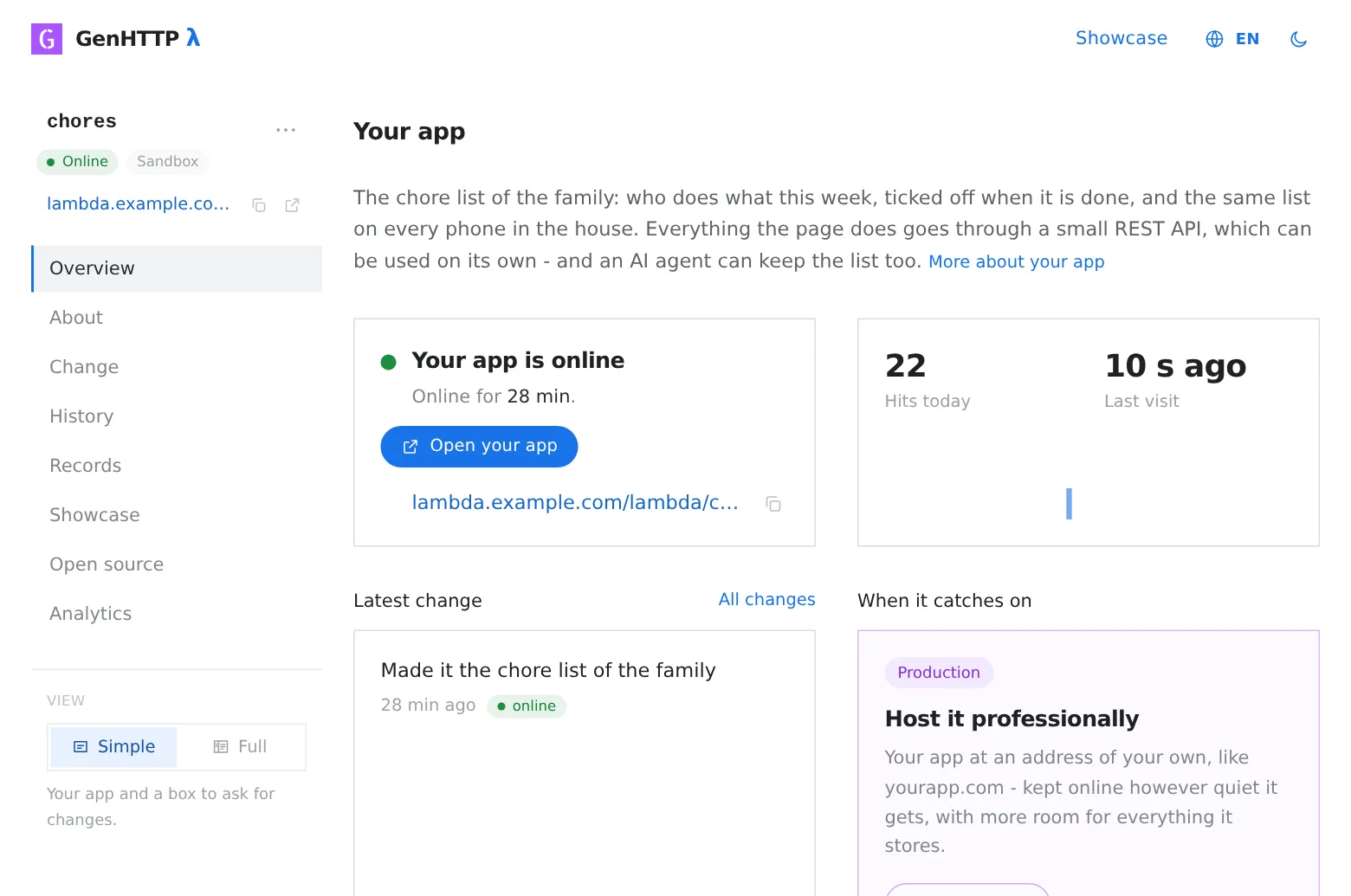
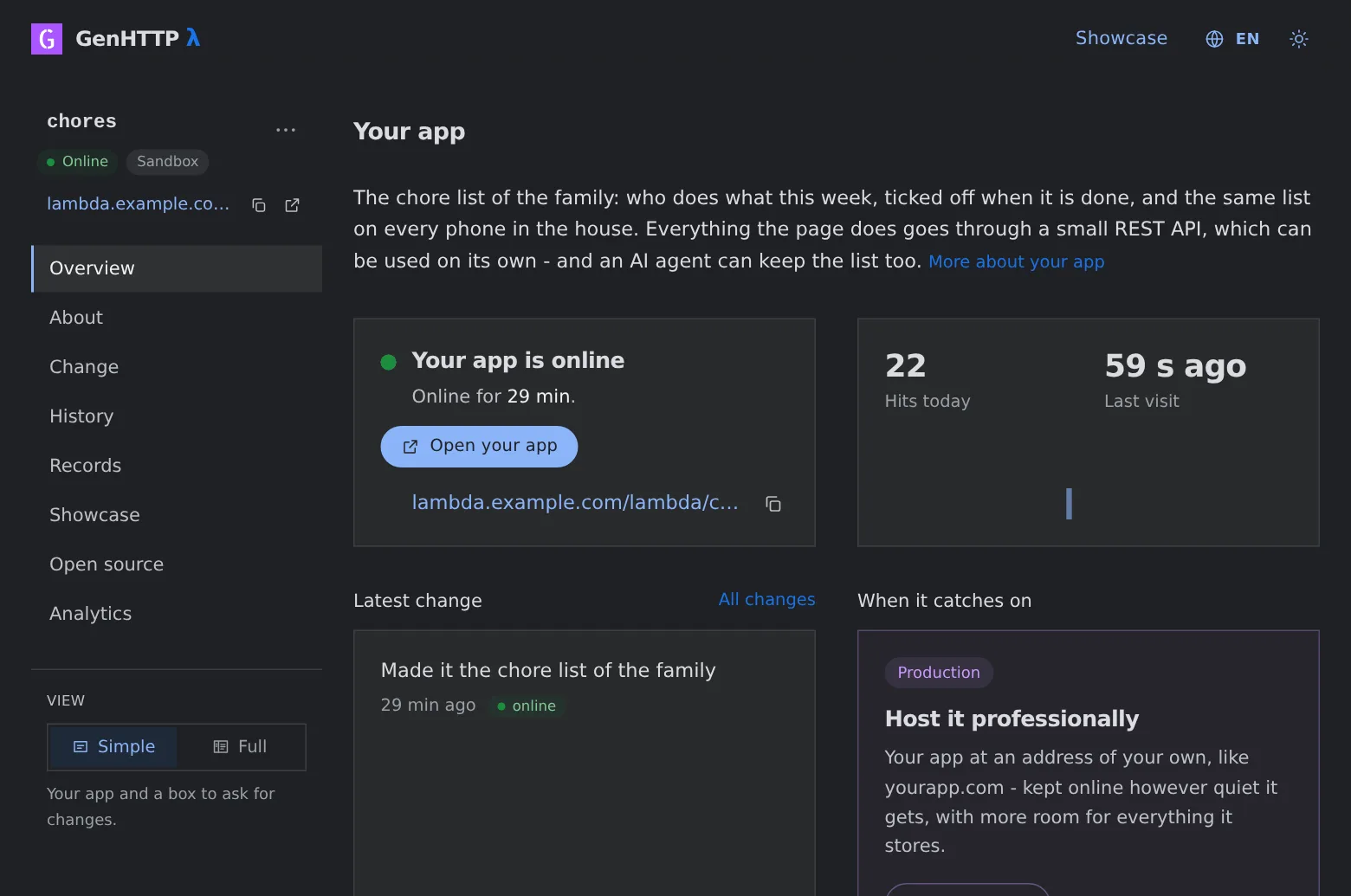 The simple view: what the app is for, whether it is online and where, the latest change, and the tile that asks the operator for production.