
Concepts
Data - records, files and secrets
What an app keeps while it runs - its database, its workspace and its secrets - belongs to the app rather than to a version, and no deploy, rollback or draft changes it.
Data is what an app keeps while it runs. It belongs to the app, not to a version: every version reads and writes the same data, and deploying, rolling back or putting a draft online never changes it. It is deleted only with the app, or when its kind is switched off.
Versions come and go; the data stays with the app.
Three kinds#
| Kind | For | Starts | In the editor | In the simple view |
|---|---|---|---|---|
| Database | records: entries, accounts, orders, votes | off | Database | Records |
| Workspace | files the app writes and serves: uploads, generated files, large inputs | on | Workspace | Saved by your app |
| Secrets | API keys, passwords, tokens | off | Secrets | Keys and passwords |
An agent switches on what the app it builds needs (enable_data). Switching a kind off deletes everything it holds, the drafts’ copies included, so only the owner does that - in the editor, or over the REST API; agents have no tool for it.
Database and workspace share one allowance of room - 512 MB in the sandbox and 4 GB in production by default. Past it, writes fail; nothing stored is removed - see Tiers and limits. The room deleted records leave is used again for new ones; on SQLite it is given back to the allowance once the platform has optimized the database, which it does in the app’s quiet hours (see Keeping the databases in shape).
The database#
Each app has a database of its own, which its code reaches through Database.GetConnectionAsync() and which no other app can reach. Its tables are made by migrations - plain SQL files in resources/migrations/ that run as the app starts - so every version brings the schema it needs. The installation keeps the databases in SQLite files, or in PostgreSQL; the app’s code is the same either way.
The Database section shows the tables, their columns and their rows - read only, since only the app writes there. Agents read the same with read_database.
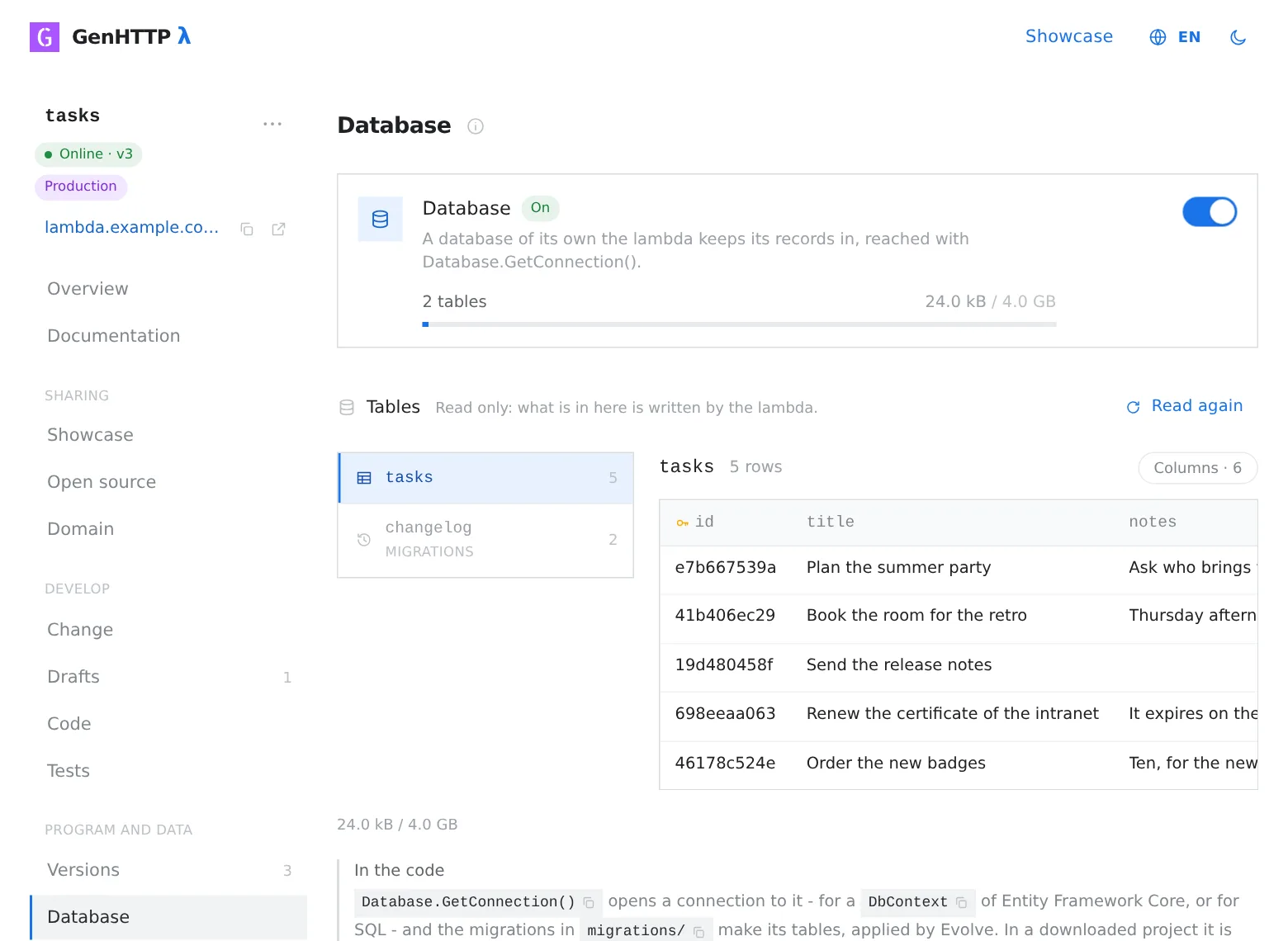
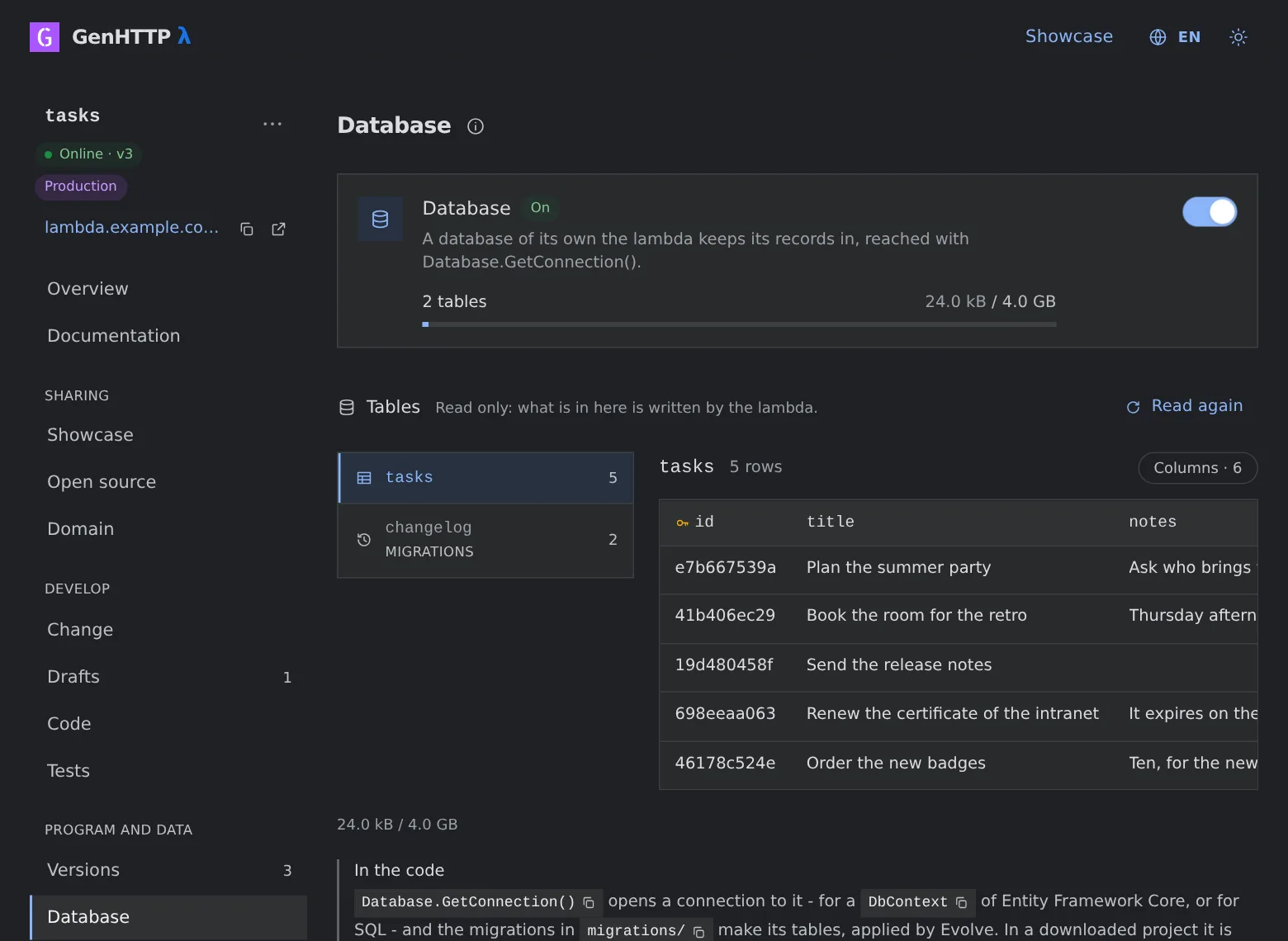 The Database section: every table the app made, and its rows, newest first.
The workspace#
A folder of files the app reads and writes (Workspace.WriteBytesAsync(…), Workspace.Files("uploads")), for what people upload and for large data that is no program - a model, a dataset, media. The editor lists the files and lets you upload and download them; agents use upload_file and list_files. A file put there by hand behaves like one the app wrote.
The workspace is not a place for the app’s pages: those are resources of a version, so that rolling back brings back the pages that belong to the code.
Secrets#
Keys and passwords never go into the code: code is kept in every version, every download and every clone, and a key put there can never be taken back. Instead, the code reads a secret by name, and the owner enters its value.
C#
var key = await Secret.ReadAsync("WEATHER_API_KEY");
- Written, never read back. A value is entered in the editor, over the API or with
set_secret, and nothing shows it again - not the editor, not the API, not an agent. Only the running app reads it. To change one, replace it. - What the code waits for is listed. The editor names every secret the code reads that has no value yet and marks the section; the simple view’s overview asks for it. So an agent writes
Secret.ReadAsync("WEATHER_API_KEY"), switches secrets on and tells you the name; you enter the value without it ever passing through the agent. - Changes apply at once, from the app’s next request, without a deploy.
- Names are letters, digits and underscores, not starting with a digit, case sensitive - like environment variables, which is what they become in a downloaded project. Up to 100 per app, 32 KB each.
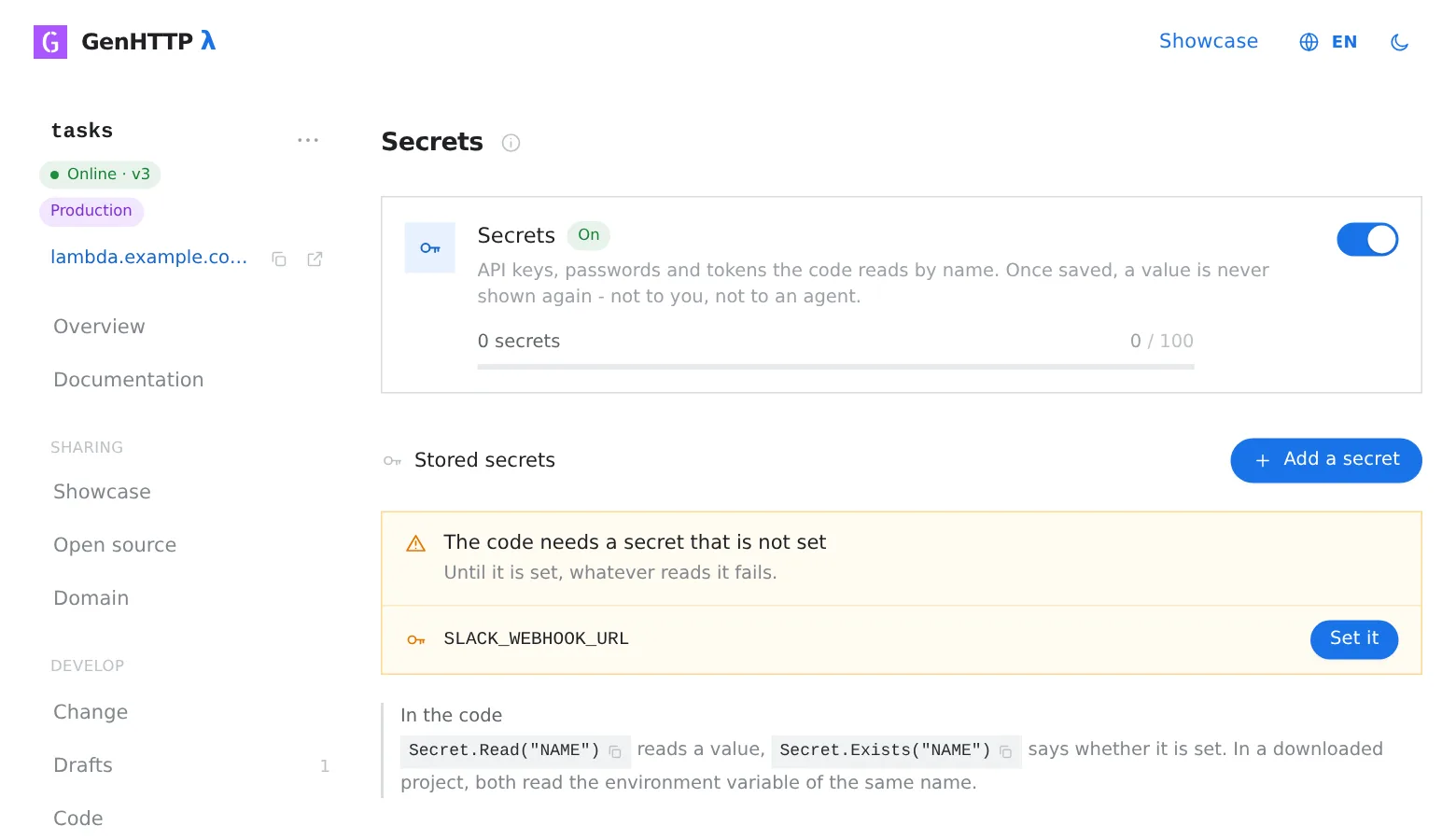
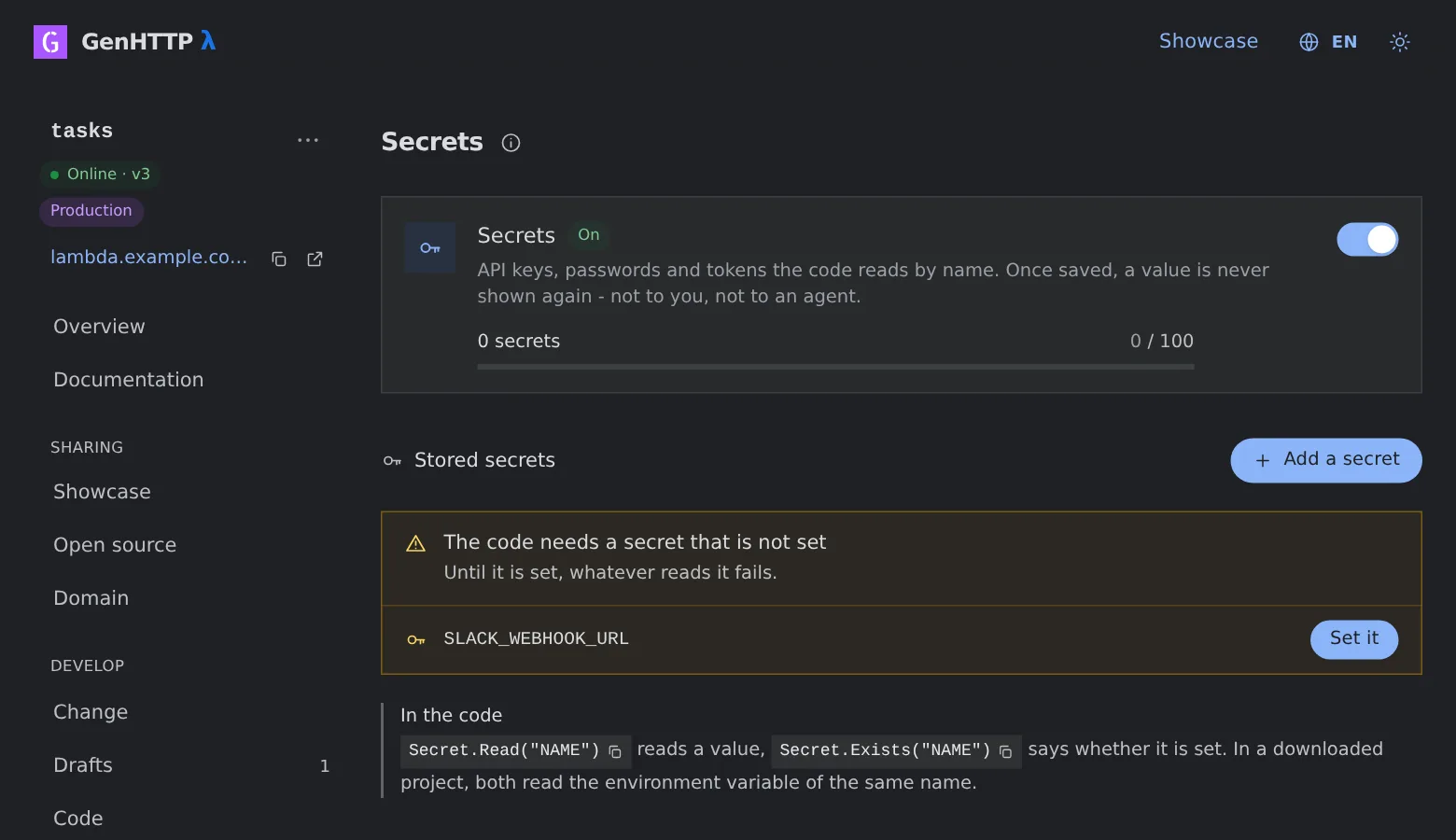 The Secrets section names a secret the code reads but nobody entered yet, with a button to set it.
Values are stored encrypted with a key of the installation (see Security). The encryption protects backups and copies of the database; it does not keep a secret from the app it belongs to.
Drafts get a copy#
A draft starts with a copy of all three kinds - its test data - and its preview works only on that copy. A secret set in a draft, such as a sandbox key, stays there. Putting the draft online throws the copy away.
Data outside the platform#
- Download. A downloaded project brings the database along as an ordinary SQLite file - unless the installation keeps databases in PostgreSQL, where it carries none. The workspace starts empty, and secrets become environment variables of the same name.
- Backups are the operator’s: all data lives in the installation’s volume, and with PostgreSQL in the database server too. See Backups and updates.