
Concepts
Connecting to other servers
Whether an app's server code may call other servers - an API, a socket, a mail server - is decided by the operator, app by app. Code that needs it does not compile until it is allowed.
All apps share one server. An app that fetches whatever address it is given would turn that server into a proxy for anybody, so whether an app’s code may connect to other servers is a permission of its own, decided by the operator, app by app.
What counts#
Connecting means the app’s server code reaching out: calling an API with HttpClient, opening a socket or a WebSocket client, sending mail, looking up a name, loading XML from an address.
It does not cover what happens in the browser. A page of an app may fetch from public APIs itself, and visitors, webhooks and websockets reach the app as usual. Agents are told to call public APIs from the page wherever the API allows it - no permission needed.
Who may#
| Situation | May the code connect? |
|---|---|
| Sandbox, nothing decided | no |
| Production or system, nothing decided | yes |
| The operator allowed it | yes, in any tier |
| The operator declined it | no, in any tier |
| A request is waiting | no, until it is allowed |
Without permission, code that connects does not compile: the compiler reports LAMBDA0003, with how to ask. A version that compiled without permission keeps running unchanged once it is granted.
Asking for it#
The owner, or an agent on their behalf, asks with a purpose: what the app connects to, and why.
- Editor: the Connectivity section (full view), or the tile Your app wants to use other services on the simple view’s overview, which appears once the code connects, a request waits or one was declined.
- MCP:
request_connectivitywith apurpose. - REST:
PUT /api/v1/lambdas/<editor key>/connectivitywith{ "purpose": "…" };DELETEtakes the request back.
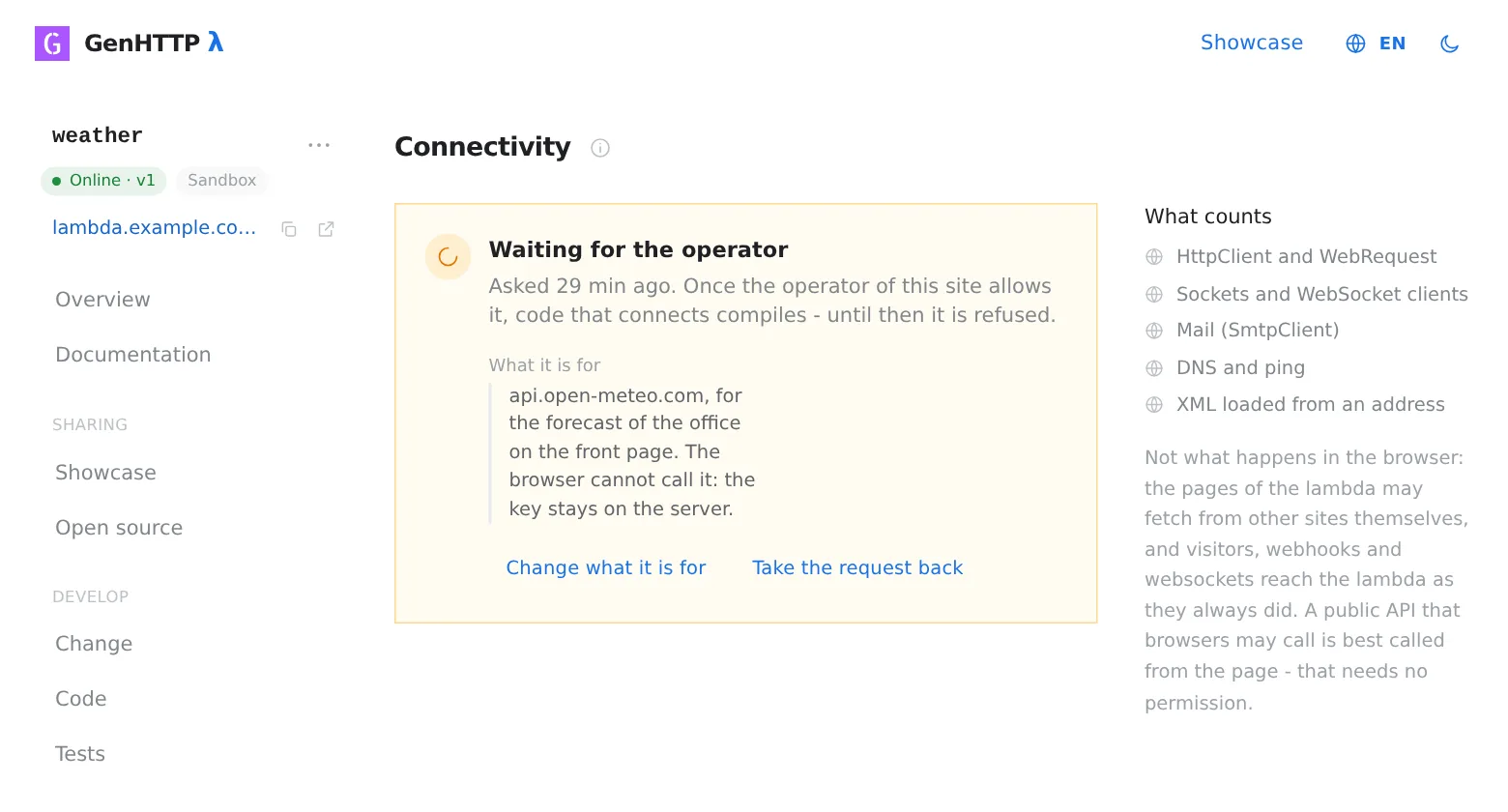
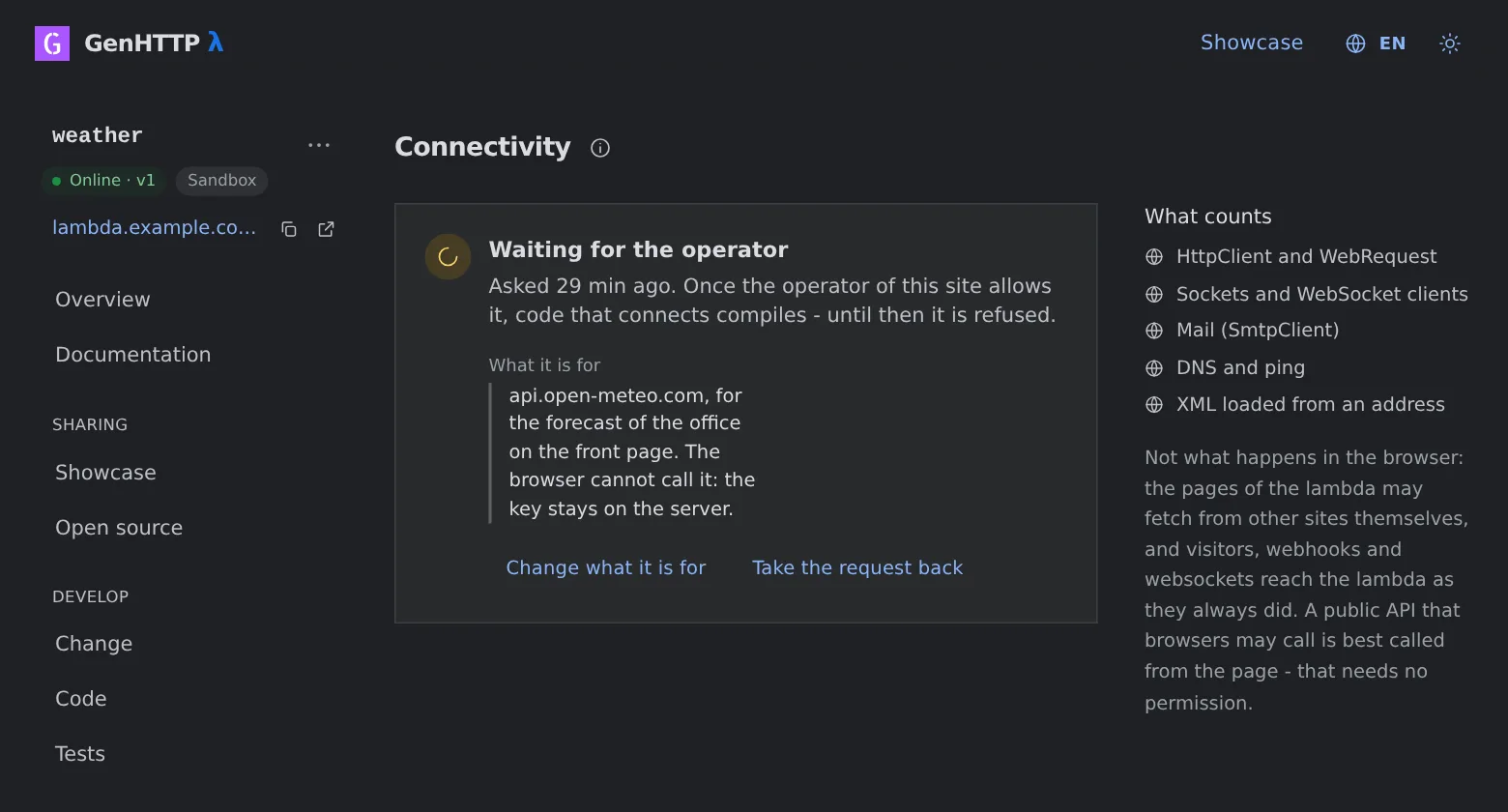 The Connectivity section of an app in the sandbox, while its request waits for the operator.
Deciding#
The operator finds waiting requests in the admin panel’s Connectivity section, the longest waiting first, with the purpose and whether the code connects at all, and allows or declines each, optionally with a note the owner reads in the editor. The panel’s dashboard says when a request waits. See The admin panel.
Allowed, the app’s code that connects compiles: deploy it again. Taken back, the app is rebuilt on its next request, and code that connects stops compiling until it changes.