Concepts
Drafts
A draft is a copy of an app and its data with an address of its own, for trying a change before anybody sees it - called a feature in the API and a branch in git.
A draft is a copy of an app to try a change on before it goes online. It has its own preview address and its own copy of the app’s data, and it is changed in place as often as it takes. Visitors keep getting the version that is online until the draft is put online.
The API and MCP call a draft a feature; in an app’s git repository, it is a branch.
A draft starts from a version and becomes the next one.
What a draft holds#
- Its files: a copy of the version it started from - the newest, unless another was picked - which the change then edits. A draft has no versions of its own; it keeps only its latest state.
- Test data: a copy of the app’s database, workspace and secrets as they were when it started. The preview reads and writes only this copy. Reset the test data replaces it with a fresh copy.
- A preview at
/features/<feature key>/on the platform’s address, a random key nobody guesses. It is not indexed by search engines, and its visits count neither in the app’s analytics nor in its log. - A name and notes: what it is for and what it changes.
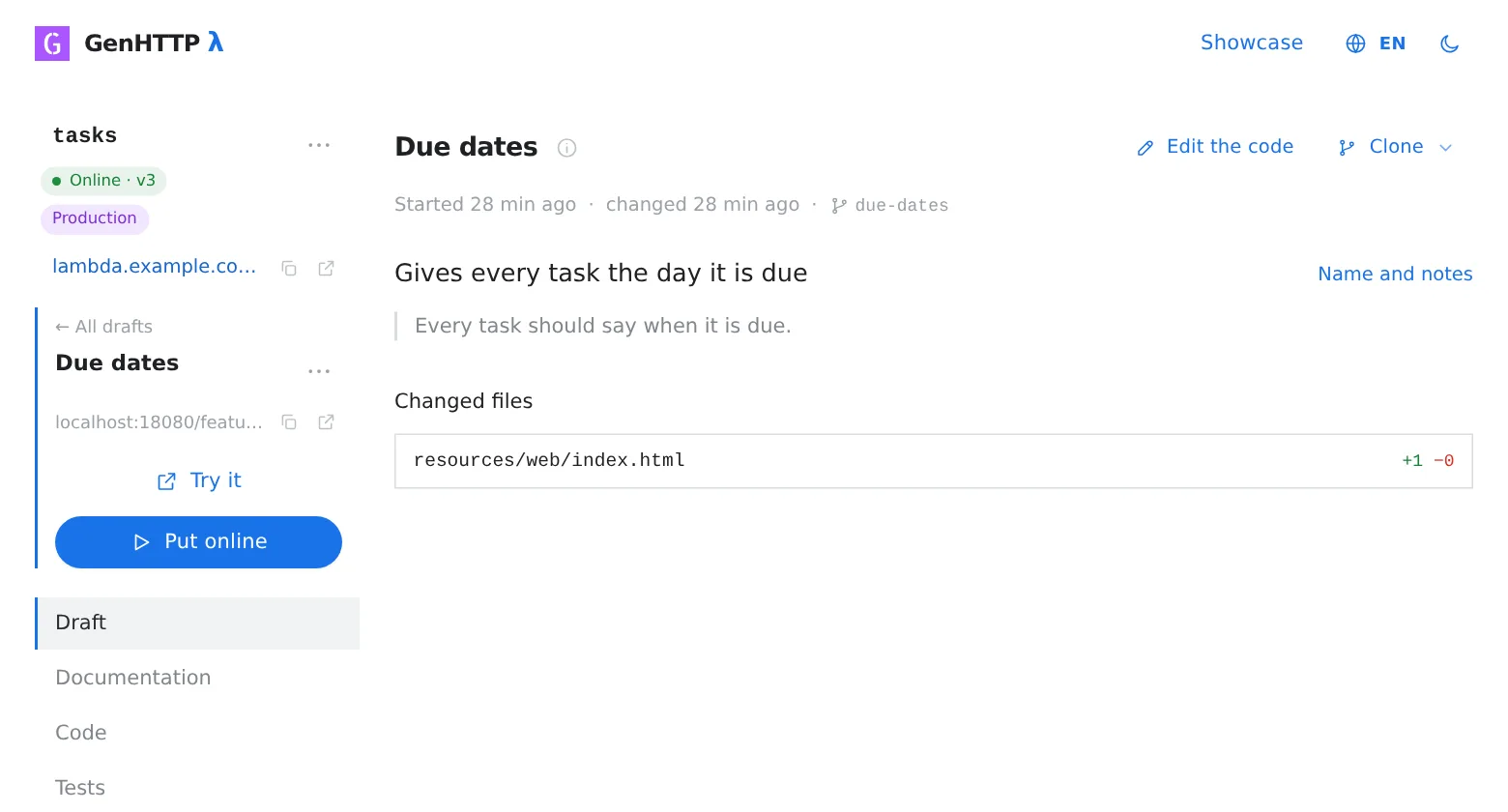
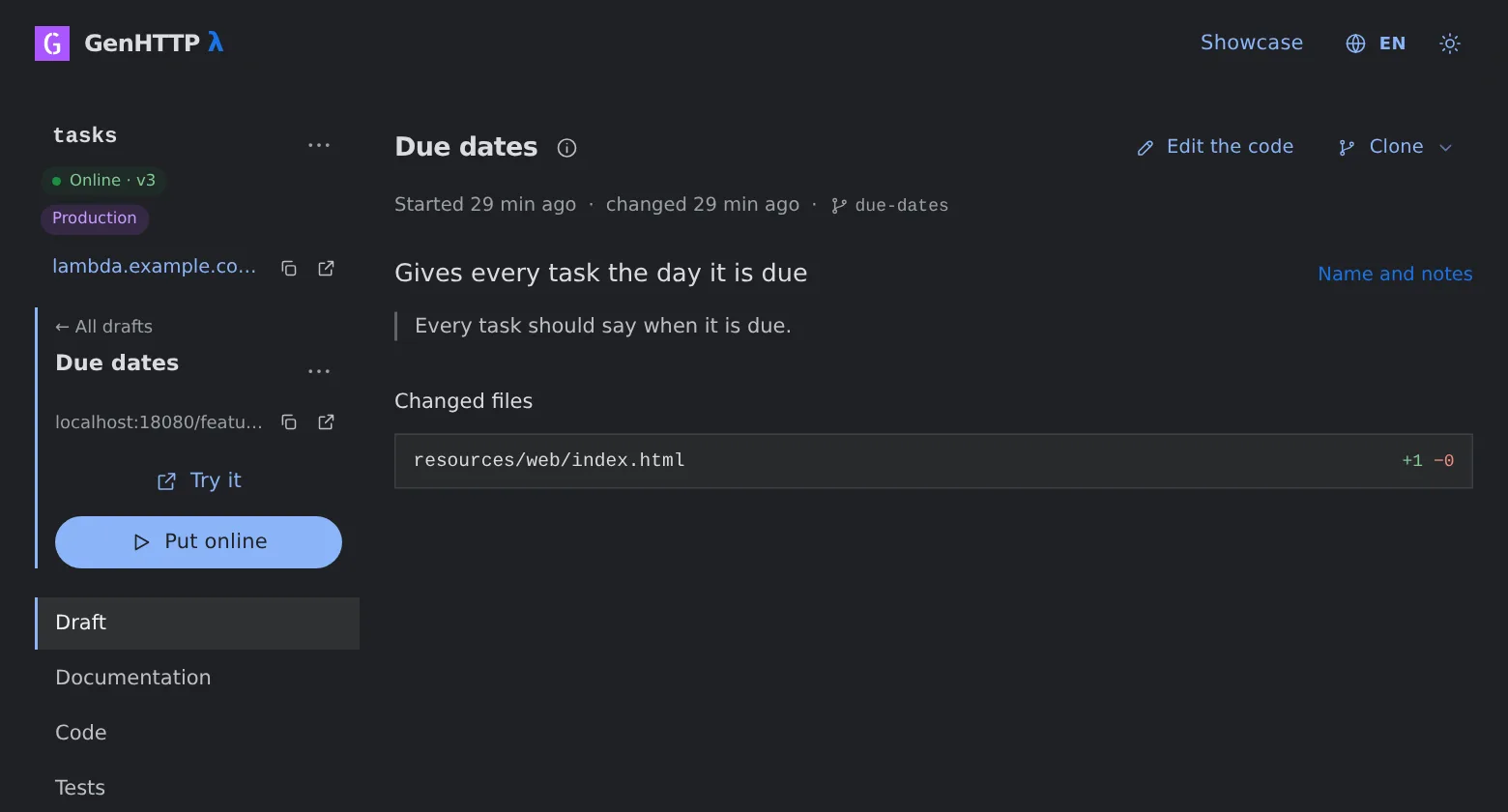 A draft in the editor: what it changes and why, the files it changed, Try it and Put online.
The life of a draft#
- Start - Start a draft from here beside a version under Versions, or Save it as a draft instead when saving code; once there are drafts, also New draft under Drafts. An agent calls
create_feature; in git, push a new branch. - Change and try - edit it, or have an agent edit it; every save can put the preview online. Try it opens the preview.
- Put it online - the draft’s files become the next version, and the editor deploys it. The draft is deleted with its preview and its test data; the app’s own data is not touched. Agents and git can also merge a draft without deploying (
merge_feature, a push tomain). - Or discard it - its files, preview and test data are deleted; the app is not touched.
An app may have 10 drafts open at a time - a limit the operator can change.
Out of date#
Only a draft based on the newest version can be put online. If a version was saved after the draft started - by you, an agent, or another draft - the draft is out of date: putting it online as it is would undo that version’s changes.
To bring it up to date, those changes have to be made in the draft, then the draft is marked as based on the newest version: Mark as up to date in the editor, update_feature with a new base over MCP, git rebase in a clone. The editor offers to ask the agent to do it.
Good to know#
- Link relatively. A preview runs below
/features/…/, so a page that links to/api/items, or to the app’s full address, reaches the live app and its real data instead of the test data. The editor warns about such links before a draft goes online. - Migrations are tried on the copy. A preview applies new database migrations to its test data first.
- Data that the draft writes is thrown away when it is put online. Changed code must still read the app’s real data.
- Disk space. Each draft holds a full copy of the app’s database and workspace.
- In the sandbox, a preview goes offline after the same time without work as an app without visits.